
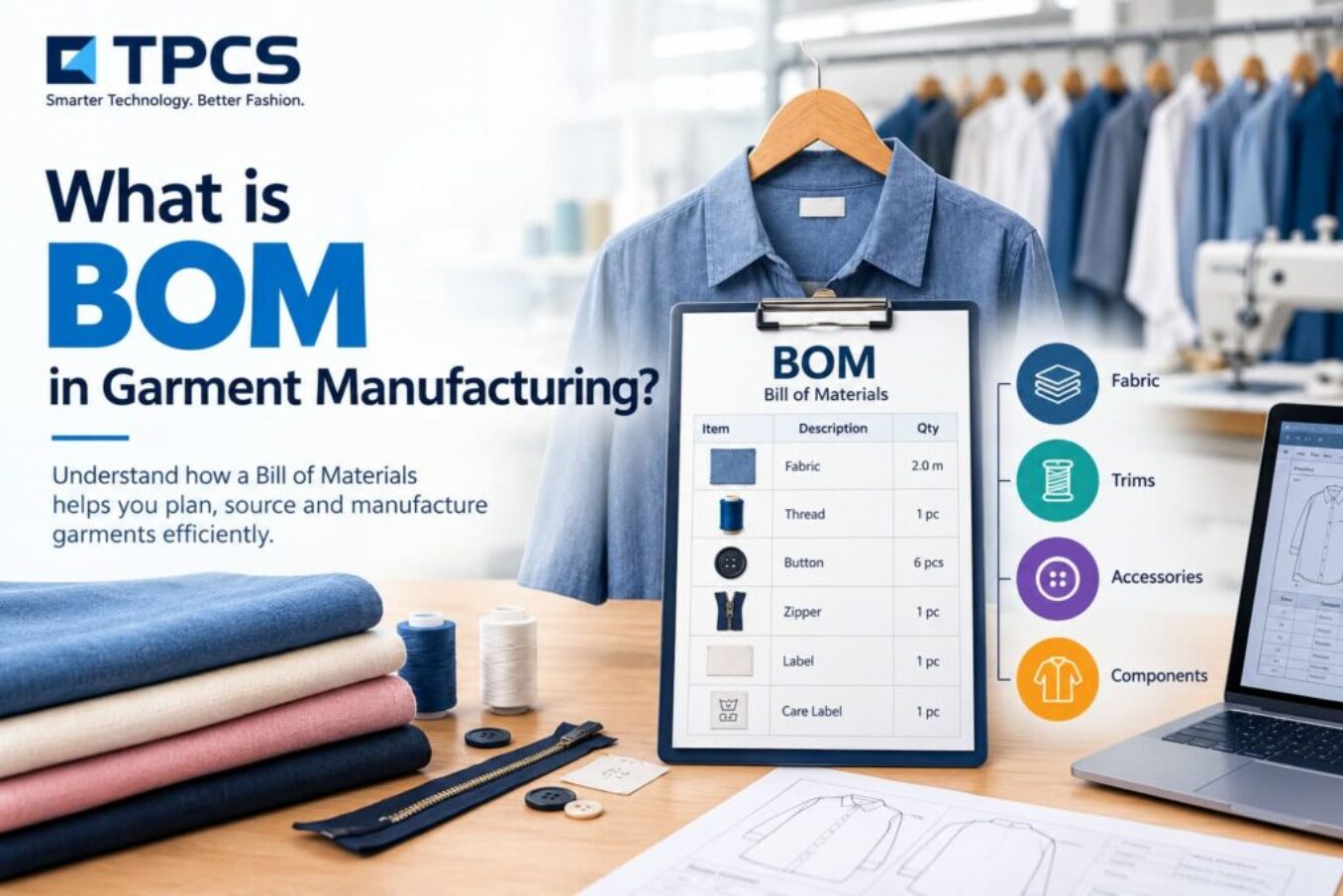
TL;DR: A BOM (bill of materials) in garment manufacturing is the complete list of fabric, trims, labels and packing items needed to make one style, with the quantity per piece and allowed wastage. It drives purchasing, costing and production, so a missing line on the BOM becomes a missing item on the factory floor.
Picture a merchandiser in Noida handling an order for 60,000 kids’ T-shirts for a European buyer. Her BOM has fabric, rib, thread, main label, care label, hangtag and polybag. What it doesn’t have is the separate size label the buyer added in the final techpack revision.
Nobody buys it. The labels are noticed missing during packing, ordered in a rush, and the shipment slips. At, say, ₹2.40 a label, the item itself is worth about ₹1.44 lakh. The delay costs far more.
It happens in some form in almost every factory that runs BOMs on spreadsheets.
Editor note (remove before publishing): If the TPCS team has a real (anonymised) example of a missed BOM line, swap it in here. It is stronger E-E-A-T than an illustrative case.
What is BOM in garment manufacturing?
Definition: A BOM (bill of materials) in garment manufacturing is a structured list of every material needed to produce one unit of a style, including fabric, trims, labels and packing, with the specification, unit, consumption per piece and wastage allowance for each. It is the base for material purchasing, costing and production planning.
If the techpack tells the factory how to make the garment, the BOM tells it what to make the garment from.
What goes into a garment BOM
Most garment BOMs fall into three groups. Leaving out any group is the most common reason for late trims.
Fabric covers the shell fabric, any contrast panels, linings, interlinings, pocketing and rib or collar fabric.
Trims cover sewing thread, buttons, zips, snaps, elastic, drawcords, tapes, embroidery thread and any applique. Labels sit here too: main label, size label, care label, country-of-origin label and any buyer-specific compliance label.
Packing covers hangtags, price tickets, polybags, tissue, hangers, stickers, inner boxes and export cartons.
Types of BOM you will see in a garment business
Not every BOM is the same document. Teams often confuse these, which leads to buying from the wrong version.
| BOM type | When it is used | What makes it different |
| Sample BOM | During development and sampling | Small quantities, materials may still change |
| Costing BOM | At quotation stage | Uses estimated consumption and current prices |
| Production BOM | After order confirmation | Final materials, approved consumption, locked |
| Style BOM | Per style | Materials common to all colours and sizes |
| Order BOM (colour and size wise) | Per buyer PO | Consumption broken down by each colour and size |
The order BOM matters most for purchasing. A size XL shirt uses more fabric than a size S, and a navy colourway needs navy buttons, not white ones. A style-level BOM alone can’t tell your purchase team that.
A worked example: men’s polo shirt BOM
Here is a simplified BOM for a men’s pique polo, size M. The numbers are illustrative. Your fabric GSM, marker efficiency and buyer requirements will change them.
| Item | Specification | Unit | Consumption per piece | Wastage allowance |
| Body fabric | Cotton pique, 220 GSM, navy | kg | 0.28 | 8% |
| Collar | Flat knit collar, navy with white tipping | pcs | 1 | 3% |
| Cuffs | Flat knit cuff, matching collar | pcs | 2 | 3% |
| Placket interlining | Fusible, 40 GSM | metre | 0.05 | 5% |
| Buttons | 4-hole, 18L, navy | pcs | 3 | 5% |
| Sewing thread | Polyester spun, matching shade | metre | 180 | 10% |
| Main label | Woven, buyer brand | pcs | 1 | 3% |
| Size label | Woven, size M | pcs | 1 | 3% |
| Care label | Printed satin, buyer format | pcs | 1 | 3% |
| Hangtag with string | Buyer artwork | pcs | 1 | 3% |
| Polybag | LDPE, with warning print | pcs | 1 | 2% |
| Export carton | 5-ply, 24 pcs per carton | pcs | 0.042 | 2% |
Visual suggestion: The table above as a downloadable Excel BOM template with formula columns for total requirement.
Notice the carton line: 0.042 is simply 1 carton divided by 24 pieces. Small details like this decide whether purchase orders come out right.
How fabric consumption in a BOM is worked out
Fabric is usually the biggest cost line, so it deserves the most care.
For woven garments, consumption normally comes from the marker. The pattern pieces for a size ratio are laid out on the fabric width, and the marker length divided by the pieces in it gives metres per piece. Marker efficiency, the share of fabric that ends up in garments, tells you how much is lost as end-bits.
For knits, many factories calculate weight from the garment’s body and sleeve measurements, the fabric GSM and allowances, then confirm it against a trial marker.
Either way, size matters. Consumption should be recorded per size, or the BOM should carry a size ratio so the system can calculate the total correctly.
From BOM to purchase order to costing
Once the order is confirmed, the BOM does three jobs at once.
It tells purchasing what to buy. Order quantity by colour and size, multiplied by consumption and wastage, gives the total requirement, less any stock already in hand.
It gives costing its material cost. Multiply each line by its price and you have the material part of the garment cost. Our posts on garment costing software explain how this rolls into the full cost sheet.
It gives stores and production a checklist. If an item is on the BOM, stores should expect it, and production shouldn’t start a style without it.
Common BOM mistakes in garment factories
Most BOM errors are boring. That’s why they slip through.
- Working from an old techpack revision, like the missing size label in the Noida example.
- Using one consumption figure for all sizes, which under-buys fabric for bigger-size-heavy orders.
- Forgetting packing items until the last week. Cartons and polybags have lead times too.
- Typing the same BOM into Excel, then into Tally, then into a PO. Every re-typing is a chance to get it wrong.
- No version control. Two merchandisers edit two copies, and purchasing buys from whichever one reached them first.
A good rule we’ve seen work: nobody raises a PO from a BOM that hasn’t been marked approved, and every change after approval creates a new version with a reason.
When Excel BOMs stop working
Excel is fine for a handful of styles. It struggles once you have many styles across several buyers, each with colour and size variations.
That’s when BOM software helps. The BOM sits inside the style record, links to the techpack and material library, explodes by colour and size automatically, and feeds purchase and costing without re-typing. You can see how TPCS does this in our post on PLM software for apparel with techpack and BOM automation, which covers BOM software for apparel in detail.
For the wider picture of where BOMs sit in product development, read what is PLM in the fashion industry.
Frequently asked questions
What is BOM in the garment industry?
It is the list of all materials needed to make one unit of a garment style, with specification, quantity per piece and wastage for each fabric, trim, label and packing item.
What is the difference between a techpack and a BOM?
A techpack explains how to make the garment: sketches, measurements, construction. The BOM lists what materials it is made from and in what quantities. Many techpacks include a BOM page.
Who prepares the BOM in a garment factory?
Usually the merchandiser, with consumption inputs from the pattern or CAD team and material details from sourcing. In larger set-ups a technical or product development team owns it.
How is wastage added to a garment BOM?
Each line carries a wastage percentage based on the process. Fabric wastage covers cutting loss and defects; trims usually carry a smaller allowance for breakage and rejections.
Can I get a garment BOM format in Excel?
Yes. Use the polo shirt table above as a starting format. Add columns for colour, size, supplier, price and total requirement.
Facebook : https://accountscenter.facebook.com/?entry_point=app_settings