
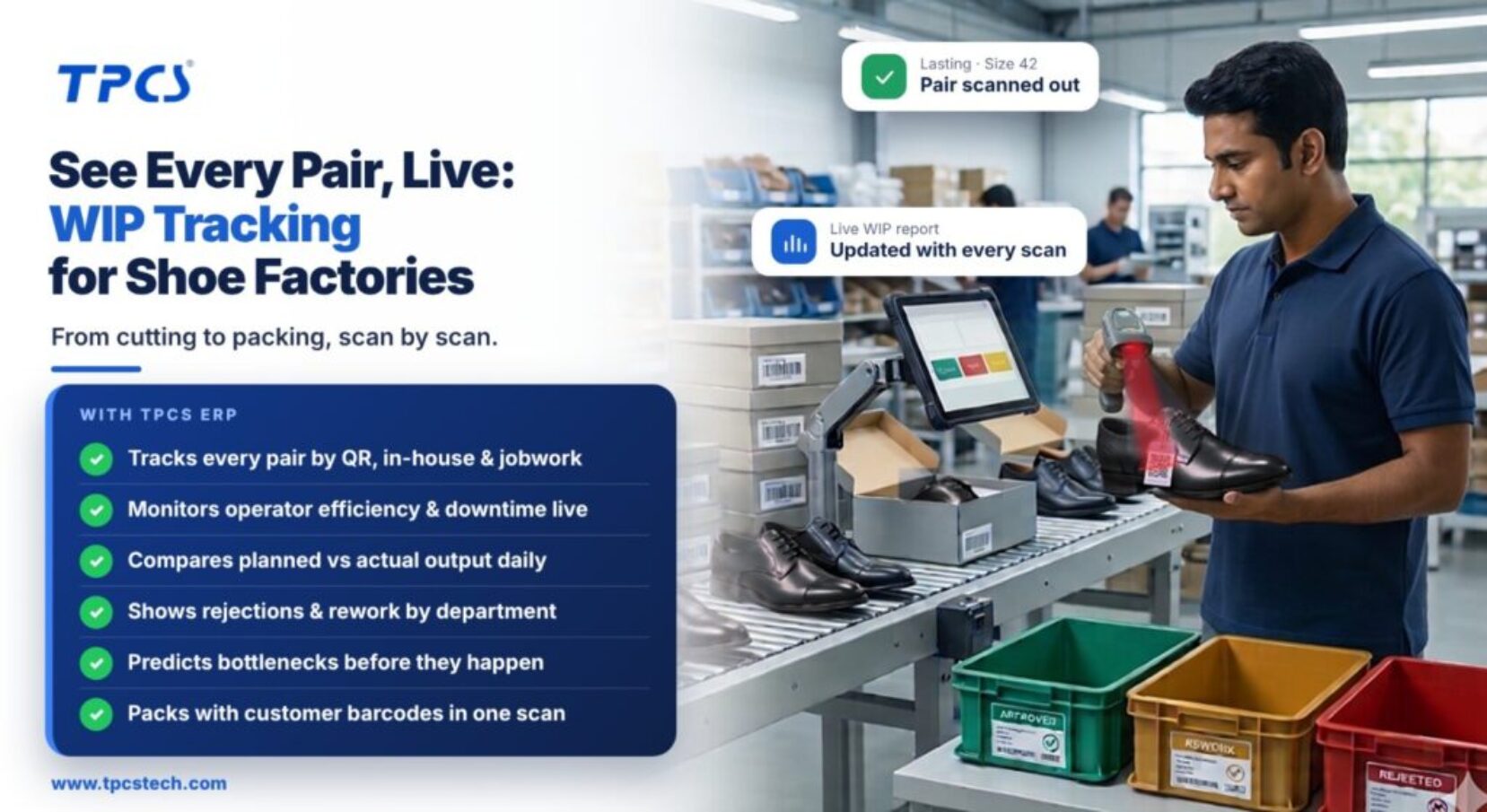
Why paper WIP registers fail in footwear
A shoe passes through many hands. Uppers are cut by component, sometimes in different sections for leather, lining and synthetics. Closing has dozens of operations. Lasting and sole attaching happen on separate lines, and some work goes to jobworkers outside the factory. Paper registers kept in each section cannot answer simple questions quickly:
How many pairs of size 42 are waiting for lasting right now?
Which bundles have been sitting in closing for more than two days?
How many pairs did we reject at finishing this week, and in which sizes?
By the time someone totals the registers, the answer is a day old.
How barcode and QR WIP tracking works
The TPCS demo video shows this flow on a sample shoe style. The steps below follow the same logic.
Step 1: Generate cutting slips from the order
Cutting slips are created from the order's size ratio, with size mixing so one slip can carry several sizes in the right proportion. Each slip lists the components to cut (upper, lining, synthetic) and is printed with barcodes.
Step 2: Split slips by component and section
One cutting slip can produce separate copies for the upper leather cutter, the lining cutter and the synthetic cutter. Each copy carries its own barcode, so each section's work is recorded separately.
Step 3: Scan input and output at every department
Each slip or job card carries two codes: one for input and one for output. When a bundle arrives at a department, the operator scans the input code and confirms the quantity by size. When the work is done, the output scan records accepted and rejected quantities.
Step 4: Use job tickets for downstream operations
Job tickets (job cards) follow the bundle through closing, lasting and finishing. They usually carry one size, though they can hold several, and again have input and output codes.
Step 5: Read live reports
Every scan updates the work-in-progress report, the production report and plan-versus-actual reports. Consumption reports show what material was used against each order.
What each department should record
| Department | Scan in | Scan out | Extra data worth capturing |
|---|---|---|---|
| Cutting (clicking) | Slip issued with material | Components cut by size | Leather lot, cutter, area used |
| Skiving and preparation | Components received | Components ready | Rework |
| Closing (stitching) | Bundle received | Uppers closed | Operator, rejects, jobwork if outside |
| Lasting | Uppers received | Lasted pairs | Last size check |
| Sole attaching | Lasted pairs | Soled pairs | Bond test failures |
| Finishing | Soled pairs | Finished pairs | Cosmetic rejects |
| Packing | Finished pairs | Packed pairs by carton | Pair matching, carton barcode |
The numbers live WIP tracking gives you
WIP by department and size: where pairs are piling up.
Ageing: bundles stuck for more than a set number of hours or days.
Rejection by department: where quality is slipping, and in which sizes.
Plan vs actual output: daily, by line.
Operator and line efficiency: if operator IDs are scanned with bundles.
A practical rollout plan
1. Start with cutting and packing. These two points tell you what went in and what came out.
2. Add lasting next, because it is usually the bottleneck in footwear.
3. Extend to closing and finishing once supervisors trust the data.
4. Bring jobworkers into the same system so outside WIP is visible too.
5. Put a WIP dashboard on a screen in the production office and review it at the morning meeting.
How TPCS footwear ERP handles WIP
The production module in TPCS footwear production tracking software includes:
QR-based WIP tracking for in-house and jobwork operations.
Live monitoring of operator efficiency, machine downtime and jobwork returns.
AI scheduling that predicts bottlenecks.
Scan-and-pack with customer barcodes, plus automatic dispatch and packing reports.
Footwear customers on the TPCS site include Alpine Shoes, which reports a 20% reduction in rejections after rolling out ERP, MES and AQL across its upper and assembly lines, and Tangerine Footwear, whose MES went live in four months. To watch cutting slips and WIP scanning in action, see the ERP software demo video, which jumps to these steps at 3:03 and 4:06.
Frequently asked questions
What is WIP in footwear manufacturing?
Work in progress: pairs and components that have started production but are not yet finished and packed, tracked by department, style and size.
How do barcodes track production in a shoe factory?
Cutting slips and job cards carry barcodes. Each department scans them in and out, entering accepted and rejected quantities by size, which updates WIP reports instantly.
Should a footwear factory use QR codes or RFID?
QR codes and barcodes cover most needs at low cost. RFID suits high-volume component tracking where hands-free reading saves time.
Which department should a shoe factory track first?
Cutting and packing first, then lasting, which is usually the bottleneck, then the rest.
Can WIP tracking include jobworkers?
Yes. Jobwork bundles can be scanned out to the jobworker and back in on return, so outside WIP appears in the same reports.
See every pair on your floor, live
Book a TPCS footwear ERP demo and we'll print a cutting slip from one of your orders and scan it through the line.
Sources
TPCS ERP demo video (cutting slip generation, input and output barcodes, WIP tracking, job tickets): youtube.com/watch?v=lwT6q70H03A
TPCS Footwear ERP product page (production module): tpcstech.com/footwear-erp, checked November 2026
TPCS homepage (Alpine Shoes and Tangerine customer results): tpcstech.com